
What's All This Stuff on My Memory Card?
Every file a DJI drone, action cam, or camera leaves on the card, where it lives, and what's safe to delete.

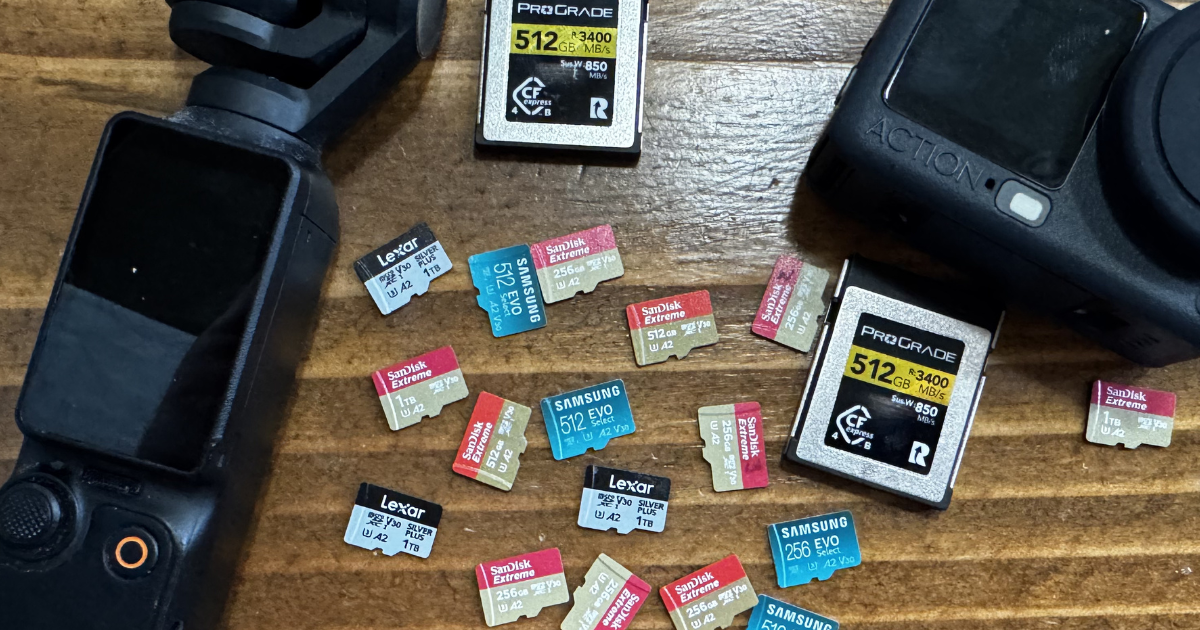
Pull an SD card out of a drone or a camera, drop it on your desktop, and half of what lands there looks like alphabet soup. MP4, you know. But LRF? SCR? A stray .db file hanging out in a folder you didn't make? Some of it is the good stuff. Some of it is the camera talking to itself. And a surprising amount of it is safe to drag straight to the trash.
Here's every file you're likely to run into from a DJI drone, an action cam, or a Nikon, where it sits on the card, what it actually is, and whether it's worth keeping when you offload. This is the rule I use every time I clear a card, not a spec sheet.
The footage (the reason you hit record)
MP4 is the main event. Your actual video lives here, and just about every device makes it. Keep it, obviously.
MOV is another video wrapper that does the same job. Nikon leans on it for video, and some DJI cameras use it for higher-end formats like ProRes. Bigger files, sometimes better quality. If it's your primary format, keep it.
LRF (on DJI) and LRV (on GoPro) are the ones that trip everyone up. They stand for "low resolution footage/video," and they're tiny throwaway copies of each clip. The camera and the phone app use them to scrub and preview quickly without chewing through the full-res file. An LRV is an MP4 wearing a different extension, so if you ever want to watch one, rename it to .mp4 and it plays. You rarely need them. I dump these the second I've got the real clips, and I've never once missed one.
One take, several files
Long recordings don't stay in one file. A DJI Osmo Pocket 3 splits a clip into a new file as it approaches 16 GB; a GoPro chapters off every 4 GB. The recording itself is continuous, but on the card you get two or more clips that belong together.
GoPro makes this messier than it needs to be. It puts the chapter number in front of the file number, so GH010527, GH020527, and GH030527 are chapters one, two, and three of the same recording, 0527. Sort a folder alphabetically and chapters from different takes interleave instead of staying together. Sort by date, or rename the files, before you start editing. The two-letter prefix used to tell you the codec (GH for HEVC, GX for H.264), but newer bodies reuse the letters, so don't trust the prefix to tell you what's inside.
The photos
JPG is the ready-to-go photo: compressed, viewable, shareable. The trade-off is that it's already "baked," so you have less room to adjust exposure or white balance later. Keep it if it's the only version you've got.
Then there's the RAW family, where the real editing latitude lives. RAW is every bit of data the sensor saw, unprocessed, and every brand has its own flavor:
- NEF is Nikon's RAW off their main bodies. This is your master photo file. Keep it.
- NRW is Nikon's RAW from their smaller compact cameras. Same idea, different line.
- DNG is Adobe's open RAW format, and it's what DJI drones shoot for photos. Most editors read it without complaint.
- GPR is GoPro's RAW, built on the DNG standard. You only get it if you deliberately shoot in RAW mode.
- ARW is Sony's RAW; CR2 and CR3 are Canon's, with CR3 on anything recent. Same job as NEF, and the same answer: keep the master.
- HIF / HEIF is Nikon's newer high-efficiency format. Better quality for the file size than JPG, with more color to work with. Just confirm your software opens it before you commit to it.
If you shot RAW on purpose, that RAW file is the keeper, and the JPG is the convenience copy.
The data files nobody asks for, but you sometimes want
SRT is the sleeper. It looks like a subtitle file, and technically it is one, but DJI packs it with flight telemetry: GPS coordinates, altitude, speed, ISO, shutter, timestamps, all lined up to the video. You can burn it on screen as a data overlay, or mine it later as a record of exactly where and when you flew. If you ever care about the flight data, keep it. If you only want the picture, it's optional.
GPMF is GoPro's version of the same idea, except it rides inside the MP4 instead of sitting in its own file. There is nothing to manage separately; a tool pulls it out later if you want it. Some GPS-enabled GoPros also drop a GPX file, which is a plain text log of your route.
DAT, .log, and .txt flight logs are the black-box record: stick inputs, battery, sensor states, GPS, the works. Some live on the aircraft, some in the app, and they're often encrypted. If you care about reviewing an incident or doing serious flight analysis, hang onto them. For the footage only, skip them. Don't confuse these with the LOG folder DJI leaves on the card, which is just firmware-update noise.
XMP is a "sidecar" file. It sits next to a RAW and holds your edits and metadata (ratings, keywords, develop settings) without touching the original. Lightroom and Camera Raw make these, not the camera. This one is your editing work, so keep it.
NDF is a Nikon dust-reference file, a shot of a blank surface the camera uses to map and subtract sensor dust. Only worth keeping if you actually run Nikon's dust-removal workflow.
Where it all lives: DCIM and the MISC folder
Your media sits in DCIM, the folder every camera and phone on earth uses. Inside, DJI drops your JPG, MP4/MOV, DNG, LRF, and SRT files into a numbered folder like 100MEDIA, with a separate PANORAMA folder holding the individual frames it stitched together.
The part nobody talks about is the hidden MISC folder sitting next to DCIM. It's the camera keeping house, and almost none of it is yours to worry about:
- FCxxxx.db is a small SQLite database, where the FC code is the camera model. It's the app's catalog of your media, not the media itself.
- IDX holds index files for that database. This is the one people mistake for flight logs. It's an index, nothing more, and it's often empty.
- THM is where the previews live, and it's where SCR comes from. THM is the little gallery thumbnail; SCR is a larger preview of the same frame. Both are throwaway.
- LOG, XCODE, and GIS round it out: firmware-update logs, transcode scratch space, and a dji.gis location file. Ignore all three.
One trap worth knowing while you're in here: DJI's File Index Mode. Set to "Reset," the numbering starts over at DJI_0001 every time you format a card, so dumping several cards into one folder gives you filename collisions. Set it to "Continuous" and it keeps counting where it left off. If you archive by dragging everything into one place, use Continuous.
The audio track you might not know you have
On the Osmo Pocket 3, audio normally rides inside the video file. But turn on the built-in-mic backup and the camera writes a separate WAV from its own microphones alongside the clip, meant to catch room sound while a DJI Mic 2 or an external mic carries the main audio. That WAV isn't junk like the proxies. It's a real second audio source, so keep it if you recorded it on purpose. With a Mic 2 connected it records in mono, so don't expect stereo ambience.
WAV turns up anywhere a wireless mic system writes a clean backup track. Same rule: if it's your backup audio, keep it.
The junk drawer
Most of what's left is housekeeping, and it's safe to delete.
THM is a small thumbnail the device makes to show you a preview grid quickly. The camera rebuilds it any time. Toss it. Delete it off a GoPro or DJI card and you only lose in-camera preview until it regenerates; the master video is untouched.
.db is the app's catalog file from the MISC folder. Not part of your footage. Toss it unless you're trying to preserve the app's exact state.
BIN, MISC, and assorted system files are firmware and config the device leaves behind. Not yours to worry about. Toss them.
Other formats you'll run into
A few families don't fit the DJI/GoPro/Nikon mold:
- Insta360 records INSV (video) and INSP (photos). They're proprietary and need Insta360 Studio to stitch before they behave like normal files.
- Older camcorders from Sony, Panasonic, and some Nikon bodies use AVCHD: the video is MTS or M2TS, buried in a PRIVATE/AVCHD/BDMV/STREAM tree, with tiny CPI and MPL companion files the camera needs to line everything up. Copy the whole tree, not just the MTS files, or playback breaks.
- Sony's newer video is XAVC or XAVC-S, which behaves like a normal MP4 once you're editing.
The rule I actually use
If the camera can make it again, it's junk. If it caught the moment or it's your work, keep it.
Thumbnails, previews, proxies, and caches are all regenerable, so they go. Footage, RAW files, telemetry, backup audio, and your edits are not, so they stay.
| Keep every time | Depends on you | Safe to delete |
|---|---|---|
| MP4 / MOV (footage) | SRT / telemetry (flight data) | LRF / LRV (proxies) |
| NEF / NRW / DNG / GPR / ARW / CR3 (RAW) | DAT / .log flight logs (incident review) | THM / SCR (thumbnails) |
| XMP (your edits) | WAV (backup audio) | .db (app catalog) |
| JPG (if there's no RAW) | GPX (route track), NDF / HIF (workflow) | BIN / LOG / system files |
Sort a card this way a couple of times, and it stops being a decision at all. You clear the noise and keep the shots.